Firmware
5 topicsMotherboard
System, baseboard and chassis fields.
Understand the identifiers your Windows PC exposes, then find the guide for your exact hardware and the observation you care about. Each route keeps its preparation, limitations and evidence with the full instructions.
How to read the evidence grades
Follow the overview from preparation to your component and its checks.
Use a decision chart or jump straight to a method you know.
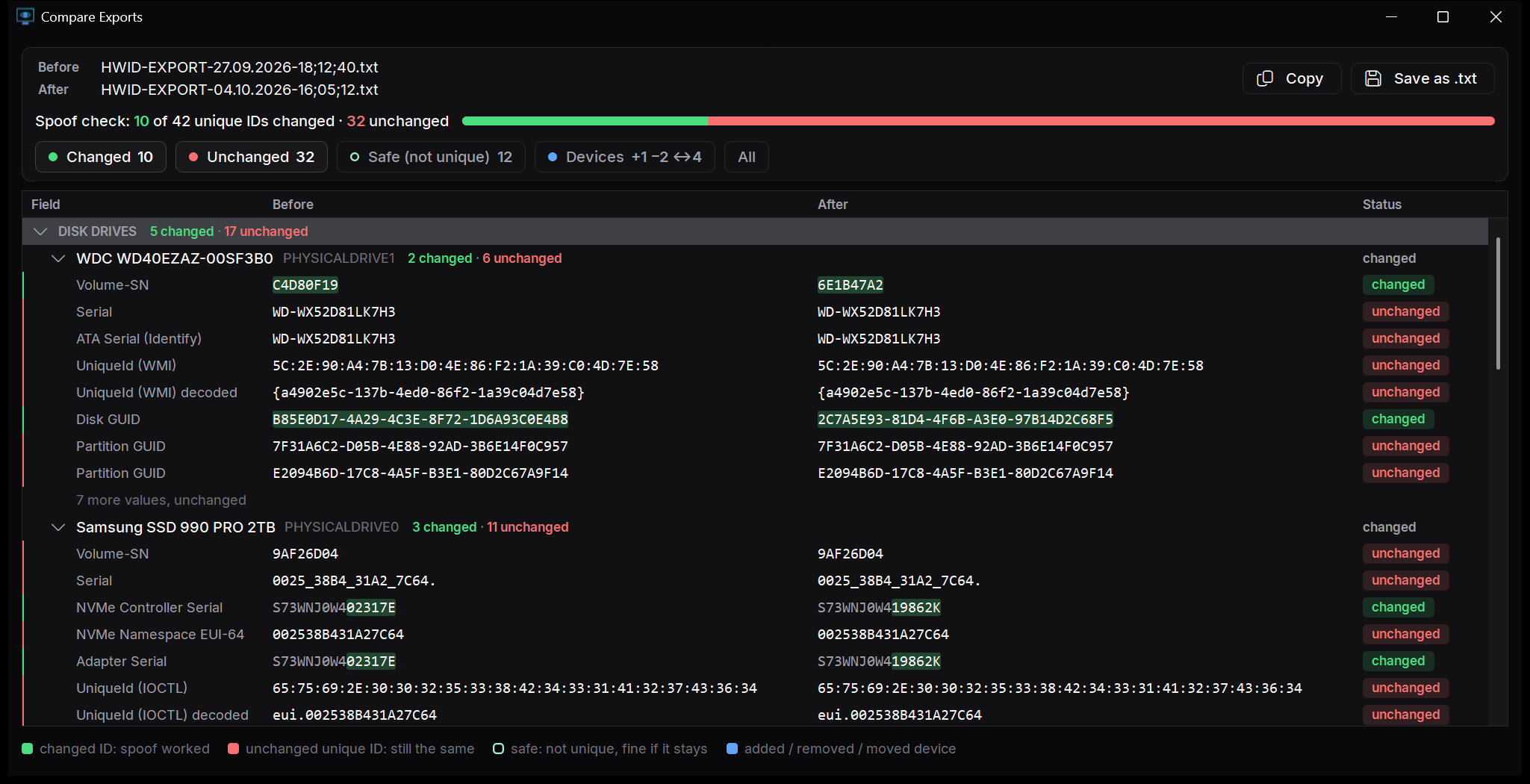
Collect a baseline and compare the identifiers it can read.
System, baseboard and chassis fields.
Read-only EFI-variable inspection.
TPM types, keys and clear behavior.
Platform reports and identity evidence.
Drive, bridge, partition and volume IDs.
Windows and adapter-stored MAC addresses.
Routed gateways and first-hop visibility.
SPD, firmware views and write protection.
EDID overrides, emulators and hardware paths.
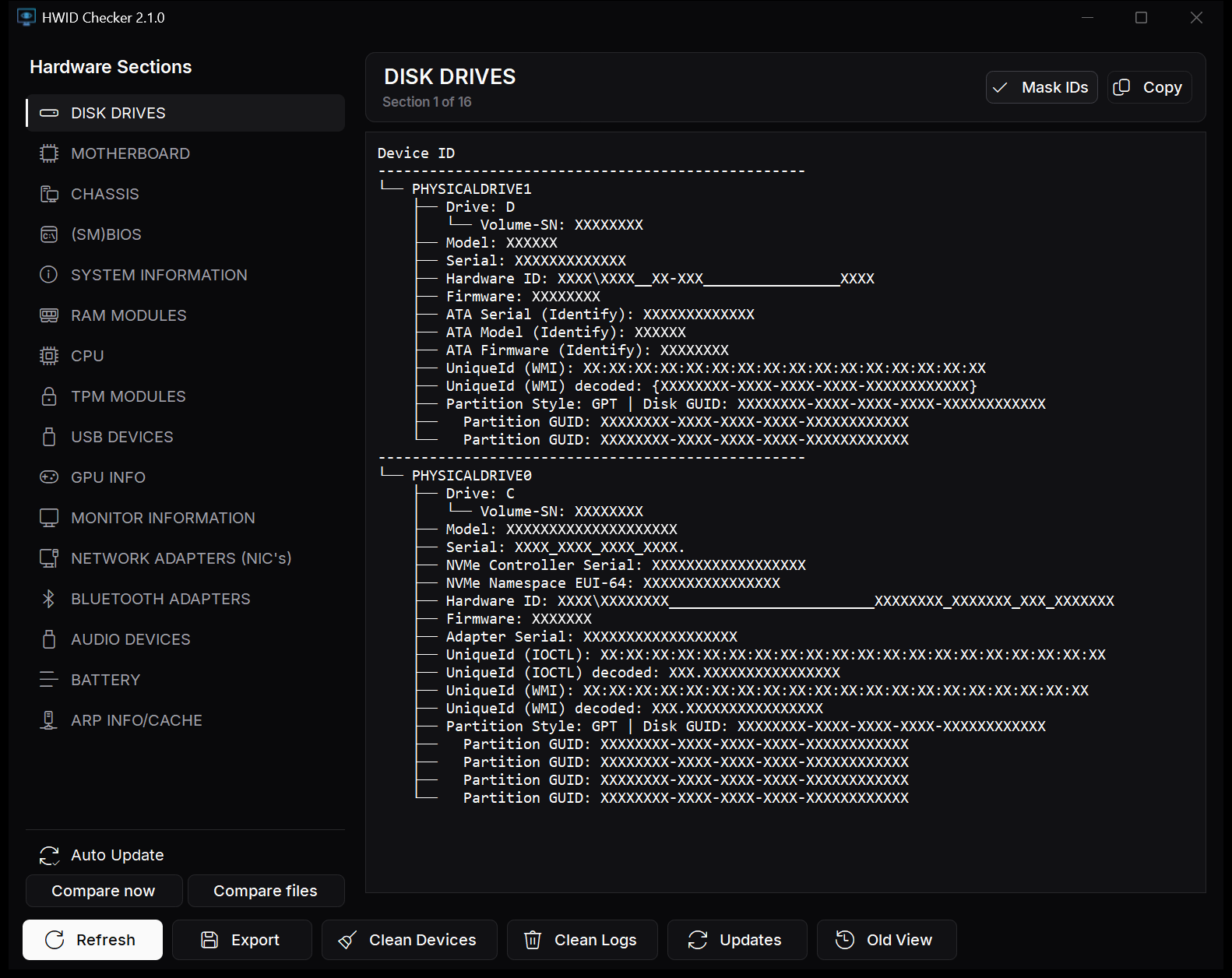
Native Windows 10/11 app, no runtime needed, administrator rights on every launch. It displays the hardware identifiers it can collect, exports them as text, and compares an export with the current system.
Download HWIDChecker.exe · How to take before and after snapshots